
Apps · Photography

Google Photos helps when your camera roll is full and scattered across devices, making it hard to find or share anything. It brings your photos and videos into one cloud library so you can access them on your phone or the web, and keep them safe if your device is lost. With automatic backup, smart tools, and simple sharing, it reduces the work of managing large collections. For Android users considering installation, the Google Photos APK provides a direct way to get the app on compati
Kiểm tra tương thích trên thiết bị của bạn
No package is currently available for security scanning.
APP PREVIEW
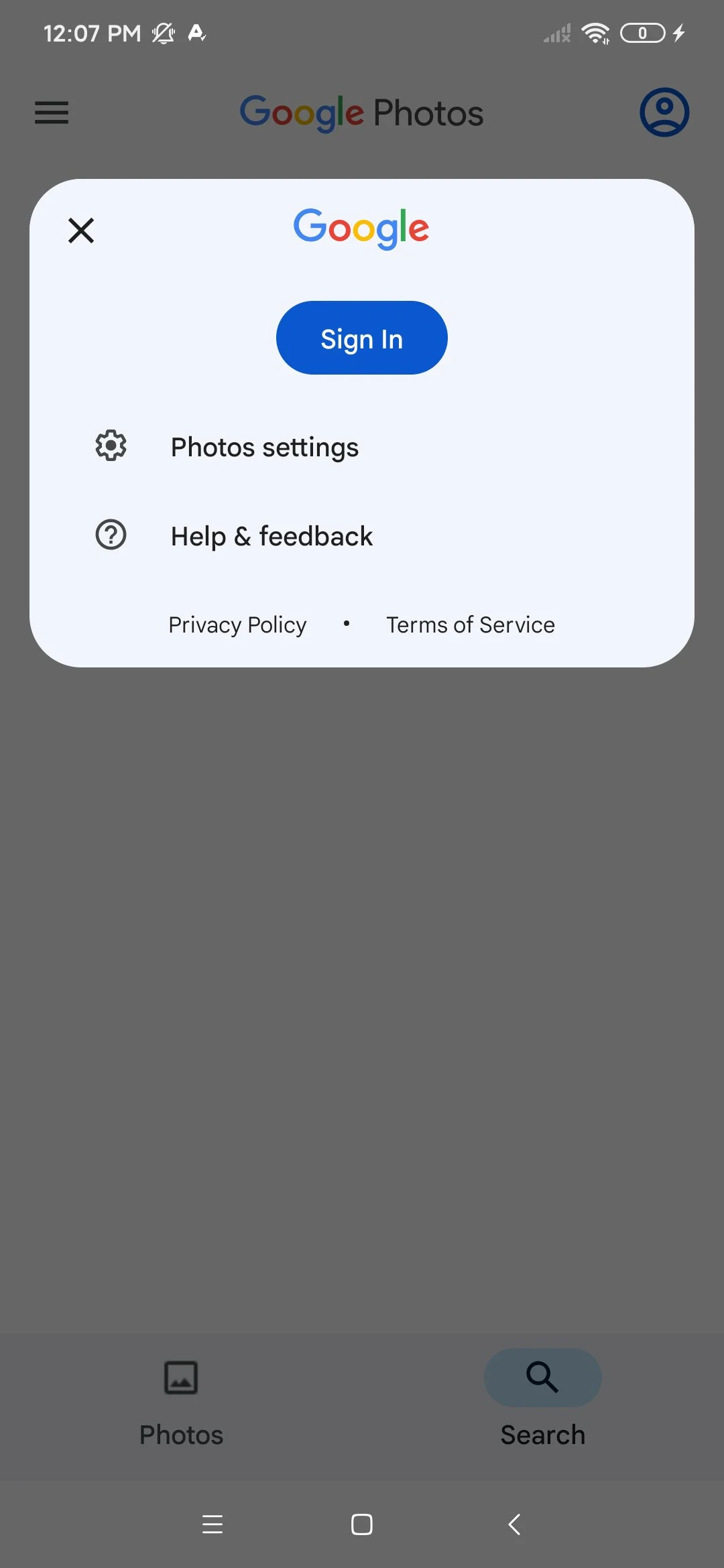
ABOUT THIS APP
Google Photos helps when your camera roll is full and scattered across devices, making it hard to find or share anything. It brings your photos and videos into one cloud library so you can access them on your phone or the web, and keep them safe if your device is lost. With automatic backup, smart tools, and simple sharing, it reduces the work of managing large collections. For Android users considering installation, the Google Photos APK provides a direct way to get the app on compatible devices.Core tools that simplify your photo libraryCloud backup and syncGoogle Photos backs up photos and videos to your Google Account so you can view them on any signed-in device or on photos.google.com. The service includes 15 GB of free cloud storage shared across your Google services, with the option to upgrade if needed. Once backup is on, new captures upload automatically and stay available even if you switch phones.Editing with Google AIYou can clean up and enhance shots using tools like Magic Eraser, Unblur, and Portrait Light. Google Photos also includes creative options such as Remix for collages and Photo to video for simple animations. These tools help fix common issues and produce quick creations without exporting to other apps.Search and identify with LensFinding items is fast because Ask Photos supports natural language queries like “sunset at the beach last summer”. When you need details from a picture, Google Lens can detect text and objects so you can copy text, translate, or look up items. This approach reduces scrolling and helps you act on information captured in your images.Smart organization controlsGoogle Photos reduces clutter by grouping duplicates and similar shots into Photo Stacks so the best version is easier to spot. Screenshots and documents can move into dedicated folders, keeping your main feed focused on photos you want to see. For sensitive pictures, a Locked Folder offers a separate place that stays out of the main library view.Memories, sharing, and printsCurated Memories surface past trips, events, and moments so you can revisit them without digging through albums. Sharing works with links or by choosing contacts, and recipients do not need the app to view shared items. You can also order photo books, prints, and canvas if you want physical copies of selected images.Free up space and keep content secureWhen device storage is low, Google Photos can remove local copies that are already backed up with a single tap. Your library also benefits from Google’s security infrastructure, helping protect account data and media in the cloud. This makes it easier to maintain storage on older phones while preserving your original files online.Google Photos storage basicsEvery Google Account includes 15 GB of free cloud storage that is shared across Google Photos, Gmail, and Drive. If your library grows, you can check usage and upgrade storage through Google One without changing how the app works.Access on phone and webYour library stays in sync across Android, iPhone, and the web at photos.google.com once you sign in. Desktop upload tools can help move large folders from a computer to your account, and shared libraries let families maintain a combined view of select photos. A Google account is required for Google Photos login so you can back up, organize, and share across all your devices.How to get started with Google Photos on AndroidAfter you download Google Photos, setup takes only a few minutes. The steps below outline backup, organization, search, and sharing so your library stays tidy from the start. Follow them in order for a smooth first run.Open Google Photos, sign in with your Google Account, and review the welcome screens before proceeding.Turn on Backup. Choose your upload size and confirm using mobile data or Wi‑Fi based on your plan.Organize next. Review Photo Stacks for duplicates, move screenshots and documents into their folders, and set up a Locked Folder if needed.Try search. Type a simple phrase or use Ask Photos, then use Google Lens on a picture to copy text or identify objects.Edit and share. Apply Magic Eraser or Unblur, create with Remix or Photo to video, share via link, and free up space once items are backed up.Start managing your photos todayGoogle Photos brings backup, search, editing, and sharing into one place for your everyday library. To stay current with features and fixes, consider getting Google Photos latest version when you update the app. Users who prefer installing on Android devices can choose a trusted source to obtain the app file.For official support and information, use the links below.Website: https://photos.google.comSupport email: [email protected]
LATEST RELEASE
VERSION HISTORY
Release history will appear here after a real version is imported or added in the admin area.
PACKAGE DETAILS
COMMUNITY RATING
Log in Log in to add a verified rating.
KHÁM PHÁ RIÊNG CHO BẠN
Đang nhận diện Android và ABI từ trình duyệt…
Xu hướng theo khu vực đã chọn.
Lọc theo Android và ABI mà trình duyệt cung cấp.
Dựa trên app và danh mục bạn vừa xem.
Những app bạn từng xem đã có bản mới hơn.
Discover
Apps · Photography

Apps · Photography

Apps · Photography

Apps · Photography

Apps · Photography

Apps · Photography

Apps · Photography

Apps · Photography